What Is An AI Automation Workflow? A Practical Beginner's Guide
Most people start with AI by writing prompts. That is useful, but it is not the same as building an AI automation workflow. A prompt helps you complete one task. A workflow helps you repeat a task with less manual effort, fewer missed steps, and a clearer business outcome.
If you are a creator, freelancer, affiliate site owner, or small business operator, this distinction matters. The goal is not to collect more AI tools. The goal is to build a simple system that saves time, creates better output, or helps you respond to opportunities faster.
Quick Answer
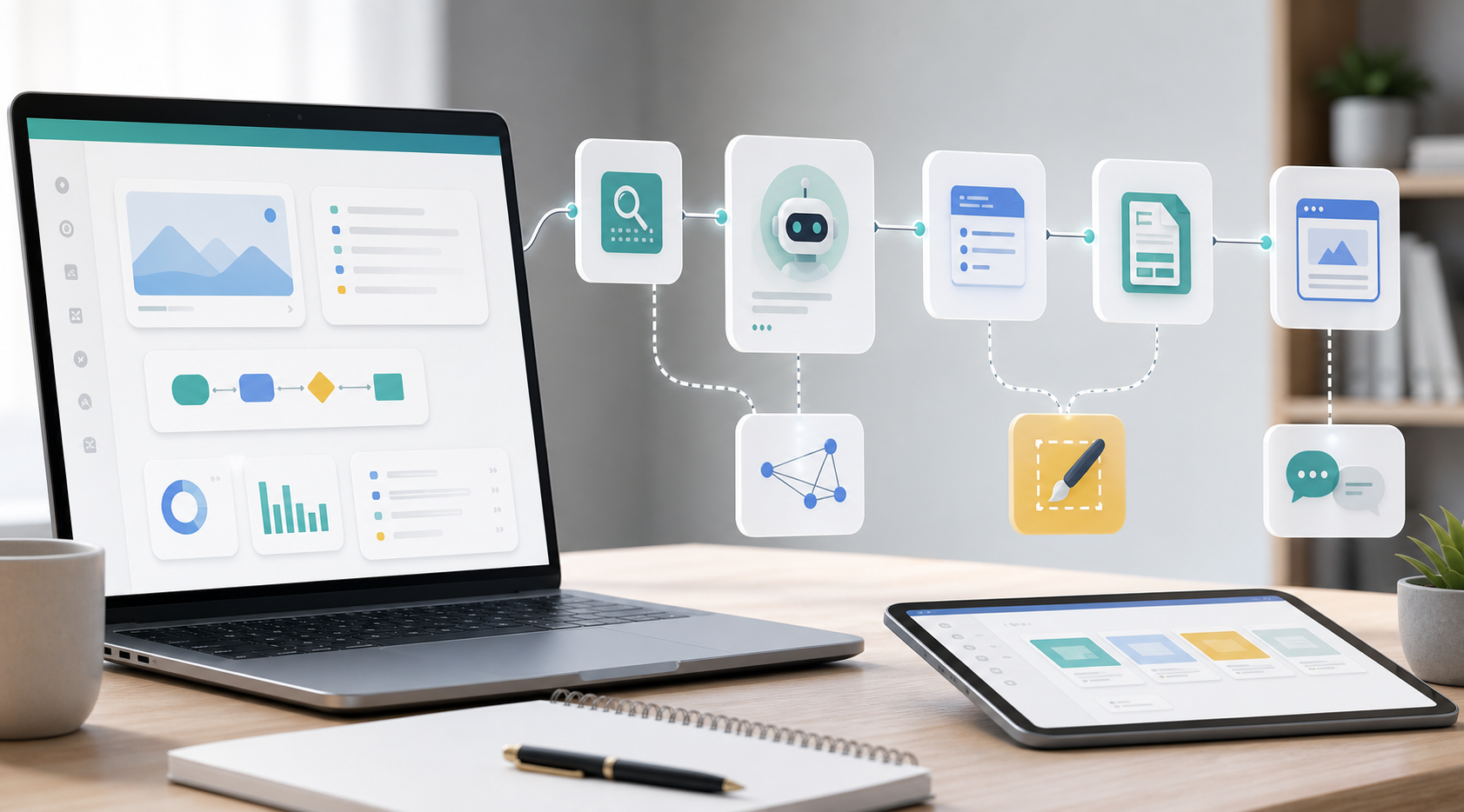
An AI automation workflow is a repeatable process where a trigger sends information into one or more tools, an AI step helps analyze or generate something, and the final result is delivered to a useful destination such as an email, spreadsheet, CRM, draft document, or task list.
A simple workflow has five parts:
- Trigger: what starts the workflow.
- Input: the data the workflow uses.
- AI step: the part where AI summarizes, classifies, drafts, extracts, rewrites, or decides.
- Action: where the output goes next.
- Review: where a human checks anything risky or important.
Who This Guide Is For
This guide is for beginners who know AI can save time but are not sure what to automate first. It is especially useful if you run a small content site, sell services, manage leads, publish creator content, or want to turn repeatable workflows into templates later.
You do not need to start with complex systems. Your first workflow should be boring, clear, and low risk. A good first workflow does not replace your judgment. It removes repetitive setup work so you can make better decisions faster.
Prompt vs Workflow
A prompt is a single request. For example: "Summarize this article." You copy text, paste it into an AI tool, wait for the response, and then decide what to do next.
A workflow turns that repeated behavior into a process. For example: when a new article idea is added to a spreadsheet, the workflow creates a research brief, suggests internal links, drafts a meta description, and adds a refresh reminder.
The prompt is one step. The workflow is the system around it.
The Five-Part Workflow Model
1. Trigger
The trigger is the event that starts the workflow. It can be manual or automatic.
Examples:
- A new lead fills out a contact form.
- A new article idea is added to a spreadsheet.
- A customer sends a support email.
- A calendar event ends.
- A new file appears in a folder.
For beginners, manual triggers are often safer. You can start with a button, spreadsheet status change, or simple form submission before automating everything.
2. Input
The input is the information the workflow needs. Weak input produces weak output, even with a good AI model.
Examples:
- Lead name, email, service request, budget, and deadline.
- Article title, search intent, target reader, product category, and source links.
- Meeting transcript, client name, project status, and next action.
- Product name, price, use case, limitations, and alternatives.
Before building any automation, write down the exact fields you need. This habit prevents vague workflows that look impressive but produce messy results.
3. AI Step
The AI step is where the system adds judgment-like assistance. It might summarize, classify, extract, rewrite, draft, compare, or prioritize.
Good beginner AI steps include:
- Summarize a long message into key points.
- Classify a lead by urgency.
- Draft a polite follow-up email.
- Turn notes into a structured article brief.
- Suggest internal links for a new blog post.
- Convert a video script into a blog outline.
Avoid using AI as the final decision-maker when money, legal claims, health, finance, or customer trust is involved. In those cases, AI should prepare the work and a human should approve it.
4. Action
The action is what happens after the AI step. This is where many beginners stop too early. A workflow is not finished when AI generates text. It is finished when the result lands somewhere useful.
Examples:
- Create a draft email.
- Add a task to a project board.
- Save research notes to a spreadsheet.
- Create a draft article brief.
- Send a Slack or email notification.
- Update a CRM field.
The action should reduce the next manual step. If the output still requires you to copy, paste, rename, format, and remember what to do, the workflow is not finished yet.
5. Review
The review step protects quality. Not every workflow needs heavy review, but every important workflow needs a checkpoint.
Review is especially important for:
- client emails
- affiliate recommendations
- pricing claims
- legal or compliance language
- public content
- customer data
A smart workflow does not remove responsibility. It makes responsibility easier to manage.
Beginner Workflow Examples
Example 1: Lead Follow-Up Workflow
A small business receives a new inquiry from a form. The workflow checks the service type, summarizes the request, drafts a reply, and creates a follow-up task. A human reviews the draft before sending.
This workflow saves time because the business owner no longer starts every reply from a blank screen. It also reduces missed leads.
Example 2: Affiliate Content Research Workflow
An affiliate site owner adds a new topic to a content tracker. The workflow creates a research brief, lists questions the article should answer, suggests internal links, and adds a refresh date.
This workflow helps prevent thin content because it forces structure before drafting. It also supports the process described in the article about automating an affiliate content workflow without creating thin content.
Example 3: Video Narration Workflow
A creator uploads a script. The workflow turns the script into narration notes, creates a voiceover checklist, stores pronunciation notes, and creates repurposing tasks for a blog summary and social posts.
This is useful because AI voice tools are only one step. The real value comes from the repeatable content production system around the voiceover.
What Should You Automate First?
Start with tasks that are frequent, structured, and low risk.
| Task Type | Good First Workflow? | Reason |
|---|---|---|
| Lead summaries | Yes | Structured input, clear output, easy human review. |
| Article research briefs | Yes | Improves content planning without publishing automatically. |
| Invoice reminders | Yes | Repeatable and easy to review before sending. |
| Public product recommendations | Careful | Requires fact-checking, disclosure, and human judgment. |
| Customer support refunds | No for beginners | High trust and financial risk. |
| Legal, health, or financial advice | No | High-stakes decisions need expert review. |
The AI Workflow Finder Checklist
Use this checklist to choose your first workflow.
- What task do I repeat every week?
- Does the task have a clear starting point?
- Can I list the required input fields?
- Can AI help summarize, classify, draft, or extract something?
- Where should the output go?
- What part still needs human review?
- What mistake would be expensive or embarrassing?
- How much time would this save per week?
- Can I test it manually before automating it?
- Would this workflow become a useful template for someone else?
If you answer "yes" to the last question, the workflow may become more than an internal process. It may become a digital product, a service package, or a lead magnet.
Common Mistakes
Trying To Automate Too Much
The first version should do one useful thing. If you try to automate an entire business process on day one, debugging becomes painful and you may not know which part failed.
Skipping The Input Design
Most weak workflows start with weak inputs. If the workflow needs a client deadline, budget, location, or product category, make that field explicit.
Letting AI Publish Without Review
For public content, affiliate recommendations, and customer communication, keep a human approval step. Automation should increase output quality, not create avoidable mistakes faster.
Buying Tools Before Mapping The Workflow
Do not begin by comparing every automation platform. First map the trigger, input, AI step, action, and review. Then choose tools that fit the workflow.
How This Connects To Monetization
AI workflows can support several business models:
- Content sites: use workflows for research, internal links, refresh reminders, and article briefs.
- Affiliate sites: use workflows to keep comparison pages current and useful.
- Digital products: turn repeatable workflows into templates, checklists, or trackers.
- Services: package a workflow as a setup offer for small businesses.
- Display ads: publish useful tutorials that attract search traffic over time.
This is why workflows matter more than tool lists. A tool list might get a click. A workflow can become an asset.
Read Next
If you want to turn a workflow into a product, read How to Turn an AI Workflow Into a Digital Product.
If you want to understand hosting for self-hosted workflows, read How to Host AI Automation Workflows Without Overcomplicating Your Stack.
If you want to apply this to affiliate content, read How to Automate an Affiliate Content Workflow Without Creating Thin Content.
Final Thoughts
Your first AI automation workflow should be small enough to finish and useful enough to repeat. Start with one task, define the input, use AI for one clear step, send the output somewhere useful, and keep human review where trust matters.
Once you can repeat that process, you are no longer just using AI. You are building a system.